
Search the guides and message the team
Find a guide from the Help button, and send us a message when a guide is not enough.
1Open the help panel
Choose the “Help” button, marked “?”, in the corner of any page. The Help panel opens without leaving the page; on a phone it fills the screen, and “Close help” brings you back.
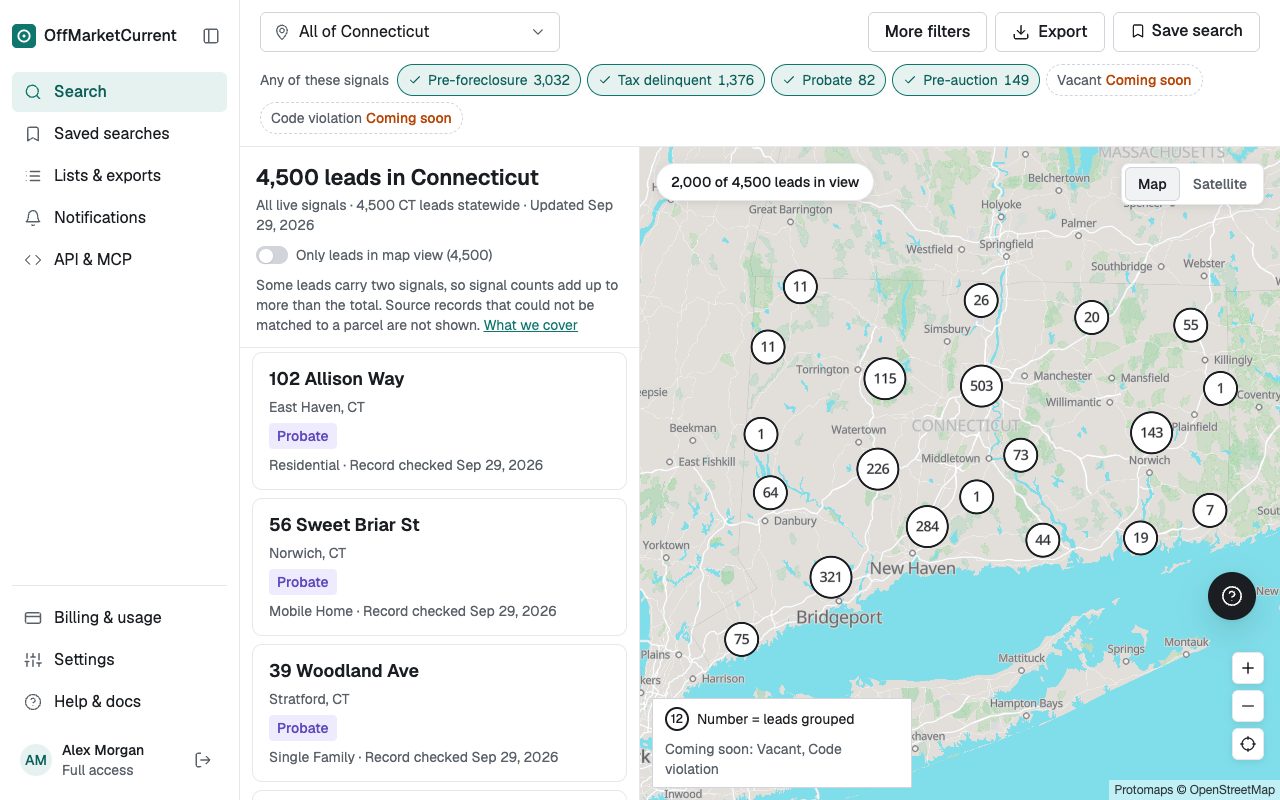
Screenshot: Every page: the Help button sits in the corner 2Search the guides
Type in “Search guides and answers”, for example “export” or “billing”. Without a search, “Suggested for this page” lists the guides for the screen you are on. After a search, choose “Get a written answer” for a passage quoted from the guides with its source; when the guides do not cover your question, you can message the team from the same panel.
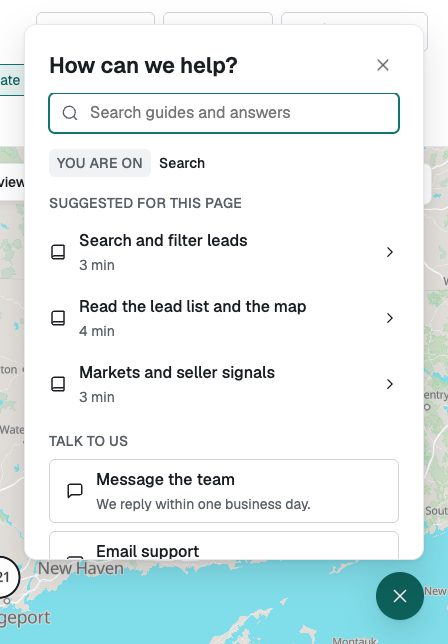
Screenshot: Help panel: search the guides or use the suggestions 3Read guides on the web
The guides also live at “Help & docs” in the left rail and at /help, with a step-by-step page for each topic. Anyone can read /help, signed in or not.
4Message the team
Under “Talk to us”, choose “Message the team”, describe what you need under “What do you need?”, and choose “Send message”. The page you are on and your account go with the message, so you need not describe where you are. “Share what I am looking at” controls whether the page title and its search settings go too.
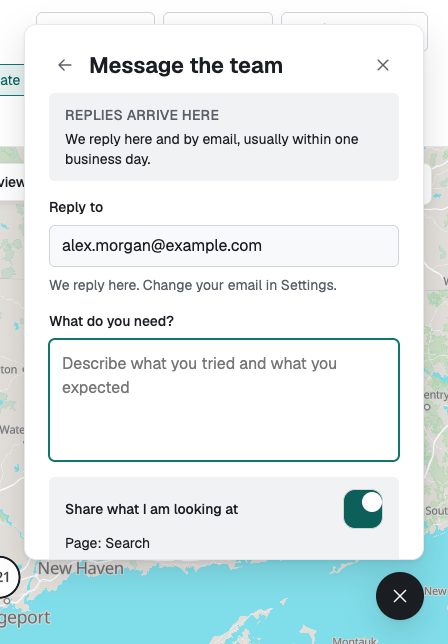
Screenshot: Help panel: write a message to the team 5Expect a reply
We reply within one business day. The reply appears in the Help panel: the Help button shows a red dot, and “Your messages” says how many new replies you have. Signed-in accounts also get a notification, and an email where email is switched on for your account.
6Escalate if needed
If a message blocks your work, open the conversation and choose “This blocks my work”; a person picks it up first. If a message shows “Not sent. Saved on this device.”, it retries on its own. In the conversation you can also choose “Retry”, “Copy text”, or “Email instead”.
Never send passwords, sign-in links, or card numbers in a message.
Still stuck?
A person can look at your account.