
Look up a parcel by map, block, and lot
Type a town’s own parcel ID, the map, block, and lot from a tax list, and open the parcel.
1Type the parcel ID
Type the town’s own parcel ID into the search box (“Address, owner or parcel id”; on a desktop it is the field under “More filters”) and put the town before or after it, or pick the town in the Place box. “Andover 25/022/000019”, “Andover 25-22-19”, and “Andover Map 25 Block 22 Lot 19” open the same parcel: separators, labels such as “Map”, “Block”, and “Lot”, letter case, and leading zeros do not matter. One match opens on the map and in the side panel, or on its own page on a phone. Several matches are listed with each parcel’s ID so you can tell them apart. A lookup ignores the signal buttons, so it also finds parcels with no live signal.
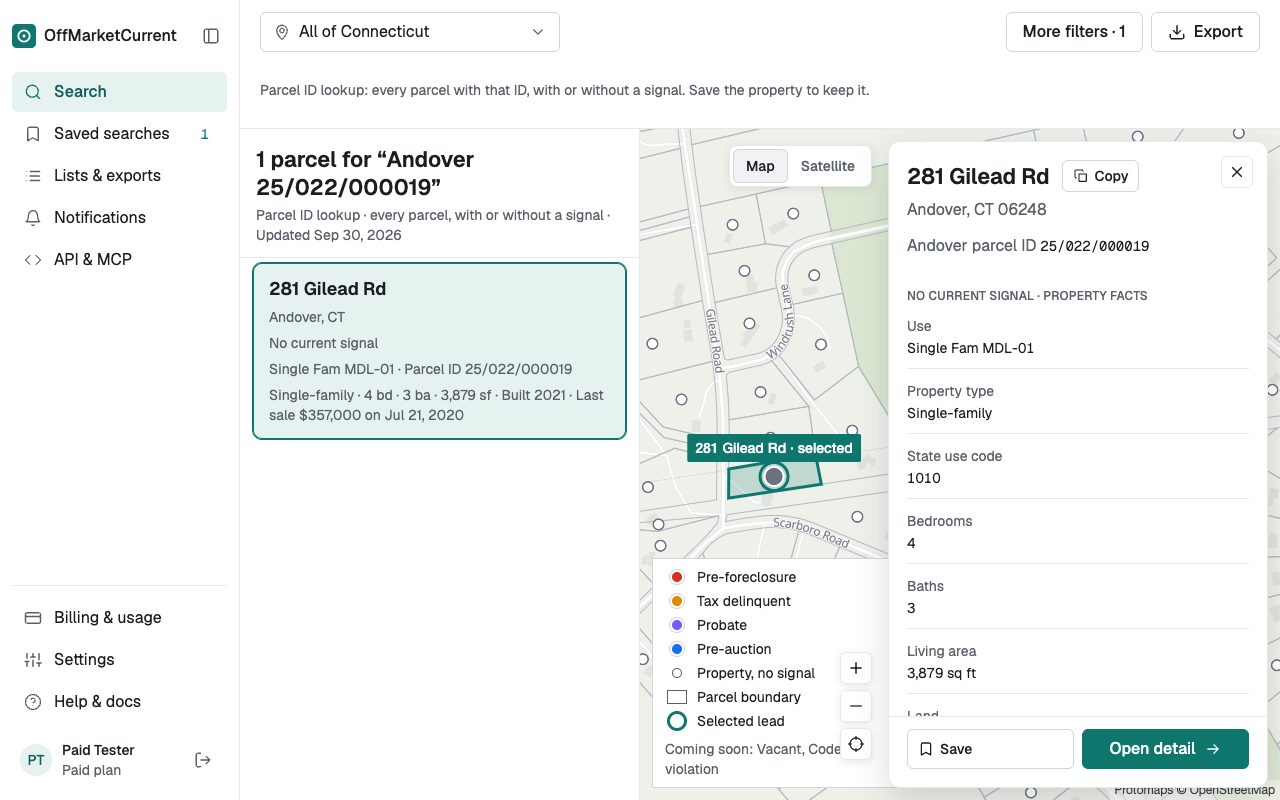
Screenshot: Search: one parcel found by its town parcel ID 2Check the town’s parcel ID before you save
The side panel names the town’s parcel ID beside the address, as in “Parcel 25/022/000019”, so you can check it against your list before you export or save the lead. The full property page leaves the parcel ID out and leads with the address you can copy.
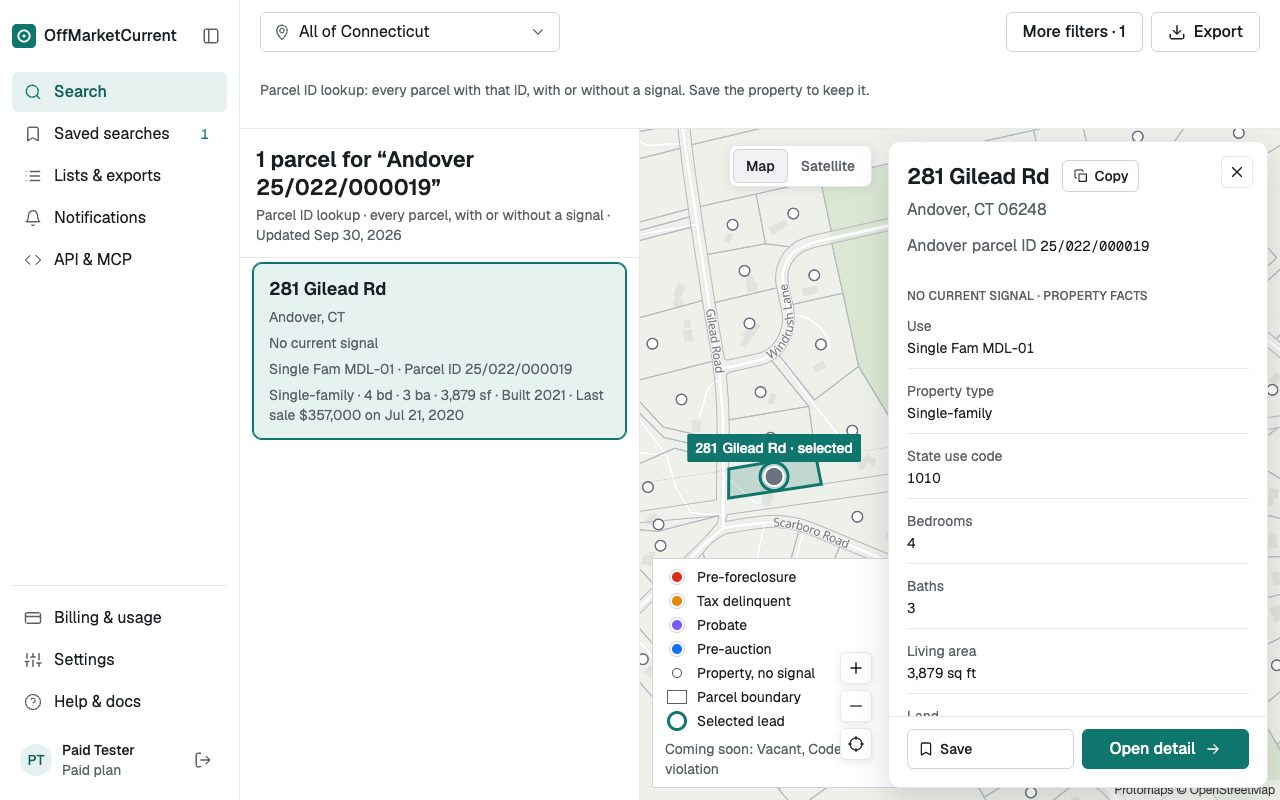
Screenshot: Side panel: the town’s parcel ID beside the address 3Write the ID the way your town prints it
Every town not listed below prints map, block, and lot as separate parts, and the marks between them differ from town to town: Andover “25/022/000019”, Bridgeport “134-41A”, Norwalk “5-56-12-0”, Ansonia “001 0005 0001”. Type all the parts in the order the list prints them; the marks and leading zeros do not matter, and a list that drops a zero sub-lot (“21/16” for “21/016/0000”) still matches. The towns below print one number or one code instead, so type it whole with the town in front, such as “Hartford 102001001”. A list that gives map, block, and lot separately cannot be matched in these towns.
Town Prints Example Avon One number 1010001 Bloomfield One number 1 Brookfield One code A05001 Canaan One number 12105139 Colebrook One number 00000985 Columbia One number 00000100 Cornwall One number 00106085 Danbury One code A05001 Durham One code A0000100 East Hartford One number 1 Fairfield One number 0050010000 Franklin One code A1008800 Glastonbury One number 00000001 Granby One number 1 Groton One number 168707580658 Guilford One number 001001 Haddam One code A0001000 Hartford One number 102001001 Manchester One number 000300017 Meriden One number 136460 Middletown One code E30001 Monroe One number 00200100 New Fairfield One number 00425901 New Haven One number 1 Norfolk One number 000001 North Canaan One number 00106064 Redding One number 10 Roxbury One number 00000100 Salisbury One number 01107153 Sharon One number 1 South Windsor One number 1 Southington One number 10 Stratford One number 1002010001 Suffield One code MM1 Warren One number 00106036 Washington One number 10 Waterbury One number 000209830001 Waterford One number 1 Westport One code A01001000 Wethersfield One number 49708 Wilton One number 10 Windsor One number 100 Wolcott One number 1 Woodbridge One number 100000 4If a parcel ID finds nothing
Check the town first, then the ID against the town’s own list. Compact forms such as “M25 B22 L19” and a lot written before the map are not read. The state parcel layer can hold a condominium as one parcel for its building, so a unit’s own lot number may not match; try the building’s ID, which may end in 0.
The parcel ID lookup works on paid plans. A free account’s search ignores typed text, as for a street or an owner.
Still stuck?
A person can look at your account.