
Billing and plans
What each plan includes, what a free account can do, and how to manage or cancel a subscription.
1Review available plans
Plans are Basic at $99, Pro at $249, and Scale at $599 a month. Pro includes 10,000 API and MCP calls a month and Scale 250,000, under fair use, and API and MCP need Pro or Scale. Enterprise is by contract; use Contact us on the Billing screen.
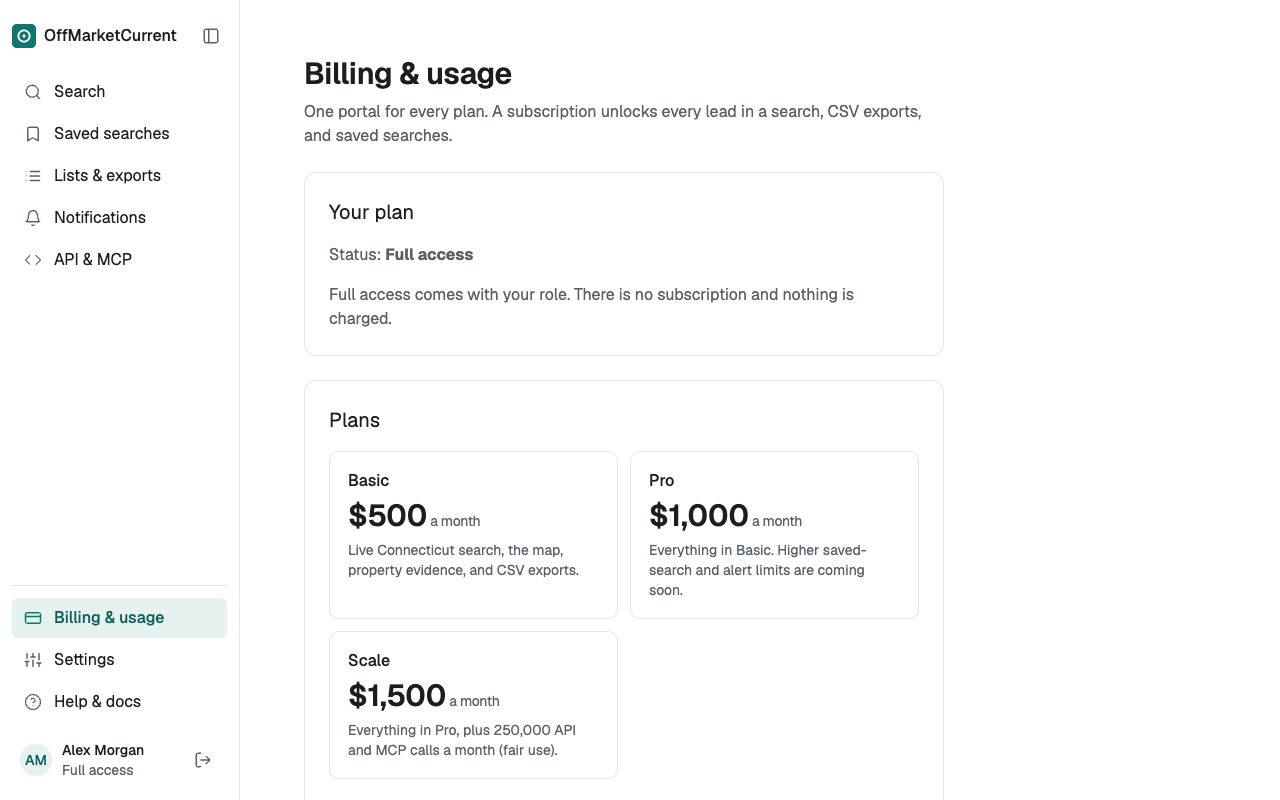
Screenshot: Billing & usage: the Basic, Pro, and Scale plans 2Compare free vs paid
A free account can use the whole interface, but each search shows 3 leads. A paid plan unlocks every lead, CSV exports, saved searches, and alerts.
3Check subscription status
Open “Billing & usage” in the left rail (Account, then “Billing & usage” on a phone). “Status” shows whether the plan is active, past due, or not started.
4Start subscription
The “Start subscription” button opens Stripe checkout, for your subscription. If checkout does not open, send us a message from Help and we will start your plan.
5Manage billing
If your account has a subscription, choose “Manage subscription” to open the secure Stripe billing portal, where you update your card, read invoices, and cancel. In Settings, the “billing” link opens the same portal under “Manage billing”.
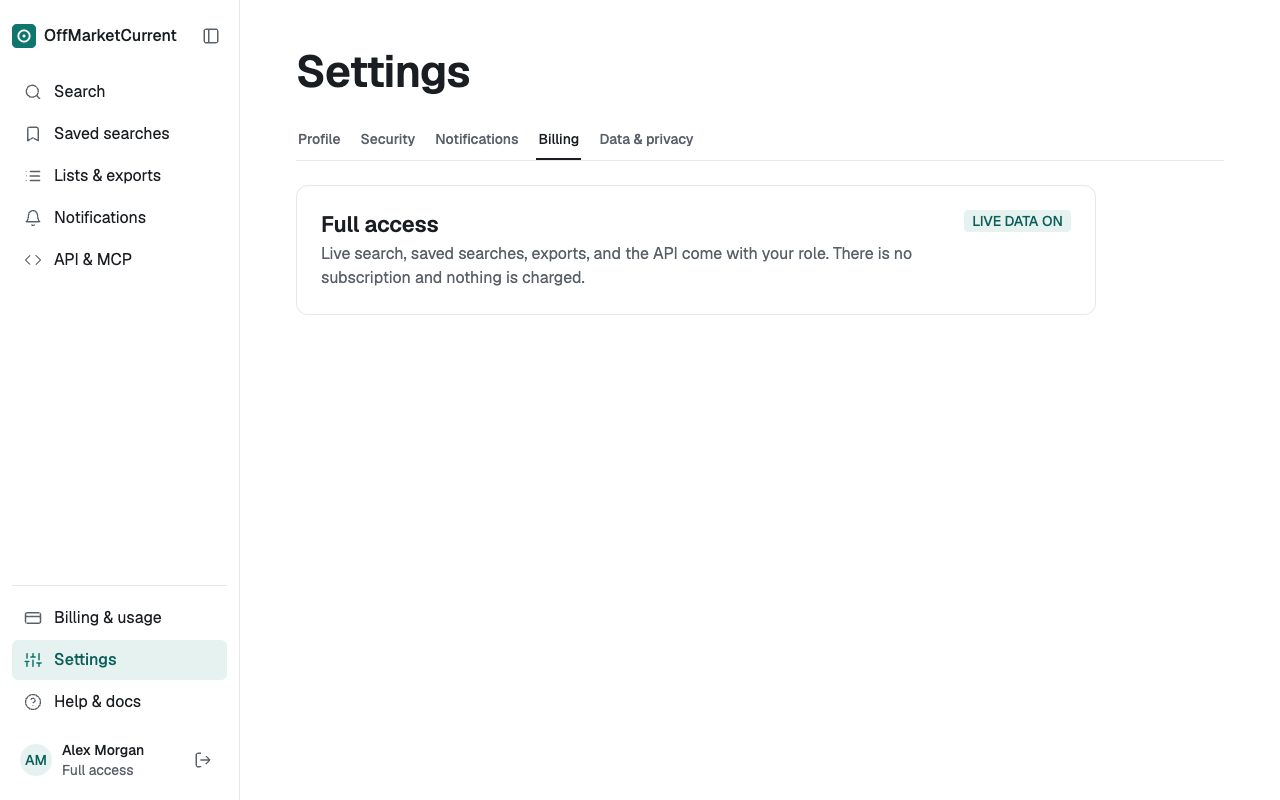
Screenshot: Settings, Billing: plan status and Manage billing 6Handle cancellation
To cancel, choose “Manage subscription” and cancel in the Stripe billing portal; access continues until the end of the paid period. Deleting your account cancels the subscription immediately.
7Watch your usage
Your plan and status are on “Billing & usage”. API and MCP call counts are on the “Usage” tab of “API & MCP”.
Plans bill monthly.
Still stuck?
A person can look at your account.